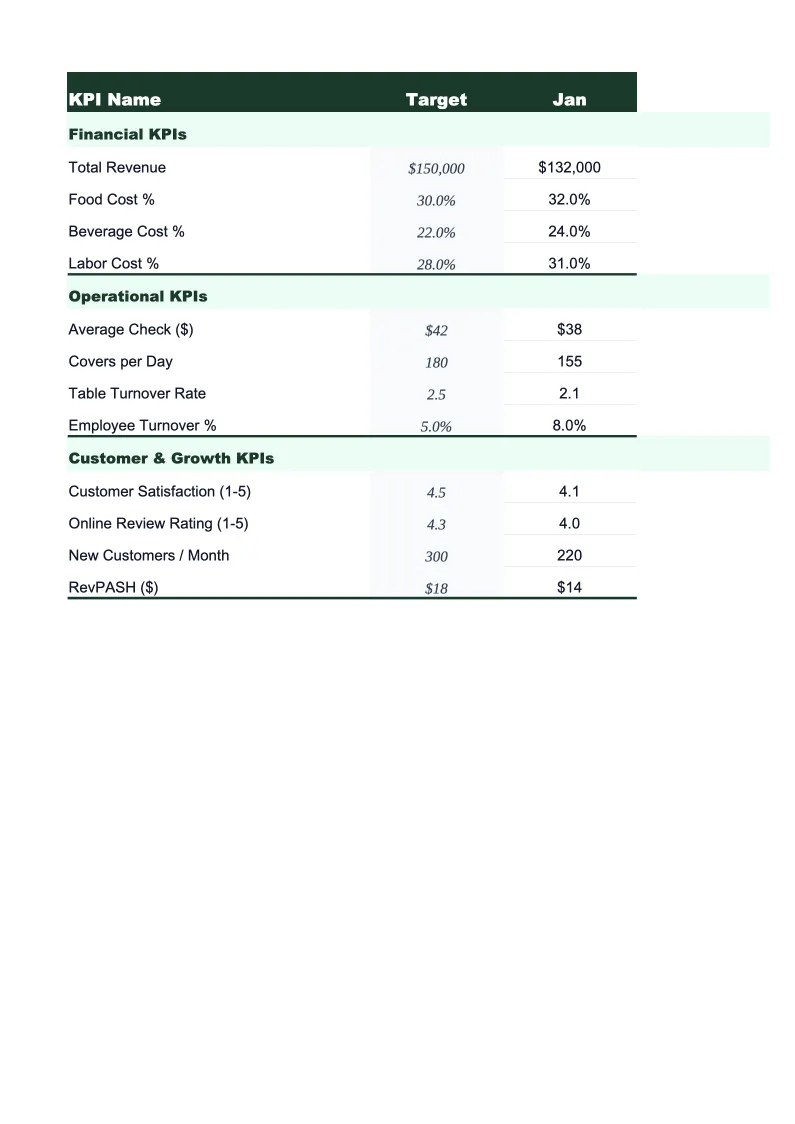
Construction KPI Dashboard Template
Track every metric that matters across your construction projects — job gross margin, backlog months, bid-to-win ratio, cost variance, and labor efficiency — in a single Excel dashboard built for contractors.
What's Inside This Construction KPI Dashboard Template
This template includes 6 worksheets, each designed for a specific part of your construction financial workflow:
KPI Dashboard
The main overview sheet with all critical construction metrics on one screen.
Project Performance
Track the financial health of each active and recently completed project.
Bid & Backlog
Monitor your business development pipeline and forward-looking workload.
Labor & Equipment
Track labor productivity and equipment utilization across your jobs.
Financial KPIs
Track the company-level financial metrics that sit above individual job performance: gross margin percentage (across all closed jobs in the period), overhead absorption rate (overhead costs recovered through burden rates versus actual overhead spend), revenue per employee, and change order value as a percentage of total contract value.
Monthly Targets
A centralized sheet where you set KPI targets for the full year — one row per metric, one column per month.
Construction KPI Dashboard Features
- Job-level cost variance tracking with estimated margin at completion for every active project
- Bid-to-win ratio and backlog months calculated automatically from your pipeline data
- Labor efficiency (billable vs. total hours) by crew or trade with monthly trend
- Change order rate as a percentage of contract value across your project portfolio
- Equipment utilization tracking with idle-asset flagging for each piece of equipment
- Color-coded status indicators across all KPIs driven by a centralized monthly targets sheet
How to Use This Construction KPI Spreadsheet
Start with the Monthly Targets sheet. Enter your gross margin target per job, your bid-to-win ratio goal, your backlog months target, and your labor efficiency benchmark. For most general contractors, gross margin targets fall in the 20–30% range, bid-to-win around 25–35%, and backlog of 3–6 months is considered healthy. Getting your targets right from the start makes the color-coded indicators meaningful — everything else in the dashboard is measured against what you set here.
Once targets are in place, populate the data sheets from your current records. In Project Performance, enter each active job with its contract value, budget, and actual cost to date. In Bid & Backlog, enter your current pipeline — even a rough list is fine to start. Labor & Equipment works best when you pull hours from your payroll or field reporting system weekly. Financial KPIs updates monthly after you close your books. Most contractors find the full initial setup takes about an hour if they have their job cost reports and bid log handy.
15 minutes from download to your first construction dashboard
Download the template, enter your active jobs and targets, and start your next project review with every key metric on one screen.
Why Every Contractor Needs a KPI Dashboard
Construction is one of the few industries where a company can win work consistently, keep crews busy, and still run out of cash. The reason is that profitability is determined job by job, and most contractors don't track job-level margins closely enough until a project closes — by which point it's too late to do anything about it. Cost overruns on two or three large jobs in a year can eliminate the profit from a dozen others. A KPI dashboard that tracks estimated margin at completion on every active job, updated weekly or biweekly, gives you time to intervene: renegotiate subcontract scopes, push change orders, or reallocate labor before the job crosses into a loss.
Beyond individual job performance, the metrics that predict whether a construction company is heading toward growth or trouble are forward-looking. Backlog months — contracted work remaining divided by average monthly revenue — tells you whether you need to bid aggressively or can be selective. A bid-to-win ratio below 20% usually means pricing problems or the wrong project mix; above 40% usually means you're underpricing. Change order rate as a percentage of contract value reflects how accurately you scope and estimate work — most well-run general contractors see 5–15% in change orders; much higher suggests systemic scoping gaps that will eventually catch up in disputes or uncollected work.
Construction Industry at a Glance
Financial templates built for construction companies — from general contractors to specialty trades. Pre-loaded with job costing categories, bid tracking, and project-based financials.
Revenue Drivers
- Project contracts
- Change orders
- Service & maintenance
- Material markups
Key Cost Categories
- Materials
- Labor (direct)
- Subcontractors
- Equipment rental
- Permits & insurance
- Overhead
Typical Margins
Gross: 20-35% · Net: 2-7%
Seasonality
Peak activity spring through fall; winter slowdown in northern climates. Year-end push to close projects.
Key Performance Indicators
Construction KPI Dashboard FAQ
More Construction Templates
Construction Balance Sheet Template for Excel
$29
Construction Budget Template for Excel
$29
Construction Business Plan Template for Excel
$39
Construction Cash Flow Template for Excel
$29
Construction Expense Tracker Template for Excel
$29
Construction Financial Model Template for Excel
$29
Construction Income Statement Template for Excel
$29
Construction Invoice Template for Excel
$29
Construction P&L Template for Excel
$29
Construction Pro Forma Template for Excel
$29
Construction Project Budget Template for Excel
$29
Construction Sales Forecast Template for Excel
$29
Construction Business Valuation Template for Excel
$29
More KPI Dashboard Templates
Construction KPI Dashboard Template
$29