SaaS KPI Dashboard Template
Track every metric that matters for a SaaS business — MRR, churn, LTV, CAC, and NRR — in a single dashboard with pre-built charts and monthly trend views.
What's Inside This SaaS KPI Dashboard Template
This template includes 6 worksheets, each designed for a specific part of your saas financial workflow:
Dashboard
The main summary view showing your most important SaaS metrics at a glance.
Monthly Data Entry
The input sheet where you log monthly figures.
Revenue Metrics
A detailed breakdown of your recurring revenue stack.
Growth & Retention
Tracks customer counts and retention metrics across every cohort month.
Unit Economics
Calculates CAC, LTV, LTV:CAC ratio, and CAC payback period from your inputs.
Benchmark Reference
A read-only reference sheet with industry benchmarks for early-stage and growth-stage SaaS companies.
SaaS KPI Dashboard Template Features
- MRR waterfall tracking new, expansion, contraction, and churned MRR
- Net revenue retention (NRR) and gross revenue retention (GRR) calculations
- CAC, LTV, and LTV:CAC ratio with rolling average to reduce distortion
- CAC payback period in months with on/off-target color coding
- Monthly ARR trend chart with growth rate overlay
- Built-in SaaS benchmark reference by ARR tier
How to Use This SaaS KPI Spreadsheet
Setup takes about 20 minutes. Download the file and open it in Excel or Google Sheets. Start on the Monthly Data Entry sheet — this is the only sheet you'll edit regularly. Enter your historical monthly data going back as far as you have it: customer counts, MRR components, and sales and marketing spend. The further back you go, the more useful the trend lines become. You don't need perfect data to start — estimates for older months are fine.
Once historical data is in, come back monthly after closing your books. Pull your numbers from your billing system (Stripe, Chargebee, or a manual export), your CRM for customer counts, and your financial statements for spend figures. Enter them in the Monthly Data Entry sheet. The Dashboard and all metric sheets update automatically. The color-coded indicators will flag any metrics that moved out of target range so you know where to focus.
20 minutes from download to your first SaaS dashboard
Enter your historical data, plug in last month's numbers, and see your MRR, churn, NRR, and unit economics in one view.
Why Every SaaS Business Needs a KPI Dashboard
Most SaaS founders spend too much time watching revenue and not enough time watching the metrics that predict where revenue is going. MRR is a lagging indicator — by the time it drops, the churn that caused it happened 30, 60, or 90 days ago. NRR, gross churn, and expansion rate are leading indicators. A company with 110% NRR is growing even if it signs zero new customers. A company with 85% NRR is shrinking even if it's constantly signing new ones. Tracking the right metrics on a monthly cadence is how you catch problems before they compound.
SaaS KPIs split into three categories, each telling a different part of the story. Revenue metrics (MRR, ARR, ARPA) tell you how big the business is and how fast it's growing. Retention metrics (NRR, GRR, logo churn) tell you how healthy the customer base is — whether the product is delivering enough value for customers to stay and expand. Unit economics (CAC, LTV, payback period) tell you whether growth is capital-efficient — whether you're building a business or just buying revenue. A healthy SaaS company shows good numbers in all three categories simultaneously.
SaaS Industry at a Glance
Financial templates built for software-as-a-service businesses managing subscription billing, ARR growth, and recurring revenue operations.
Revenue Drivers
- monthly recurring revenue (MRR)
- annual contract value (ACV)
- seat-based or usage-based billing
- professional services and onboarding fees
- add-ons and tier upgrades
Key Cost Categories
- cloud infrastructure (AWS, GCP, Azure)
- employee salaries and benefits (engineering, sales, CS, marketing)
- customer acquisition (ads, events, SDR costs)
- SaaS tools and subscriptions
- payment processing fees
- R&D and product development
Typical Margins
Gross: 60-80% · Net: -5% to 20% depending on growth stage
Seasonality
Relatively flat month-to-month with Q4 spikes from enterprise budget cycles. Annual contract renewals cluster in January and July.
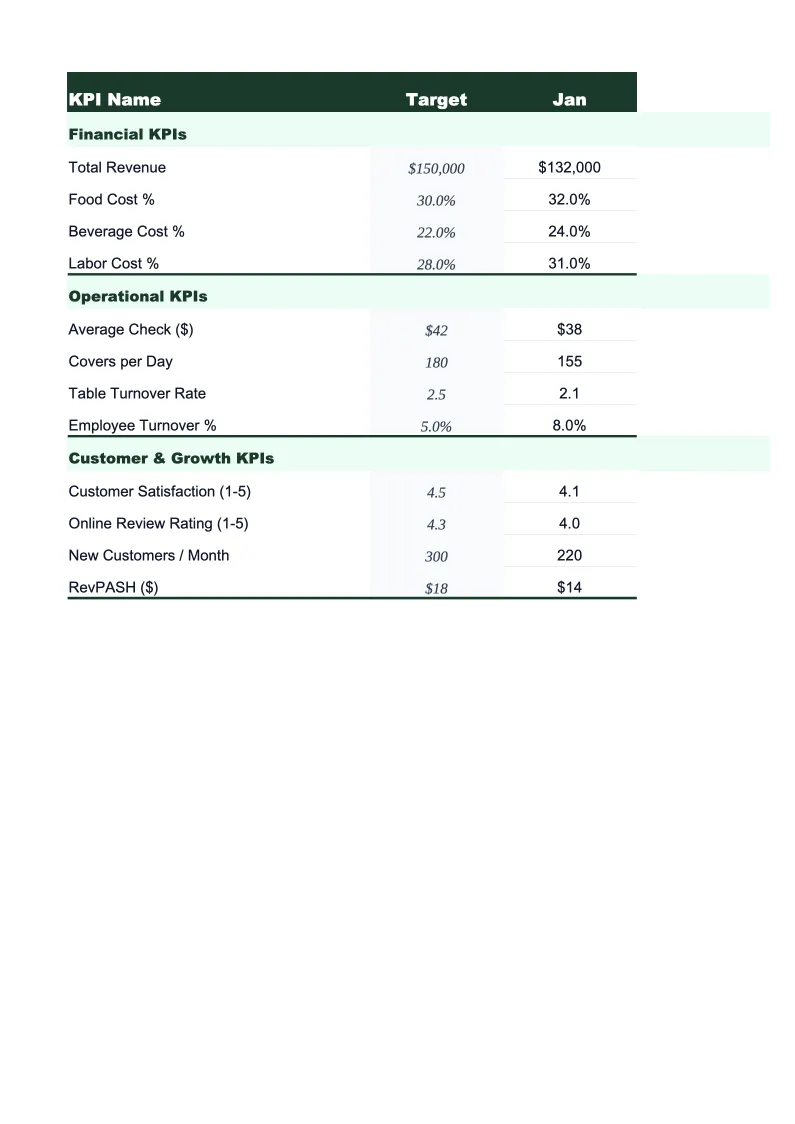
Key Performance Indicators
SaaS KPI Dashboard Template FAQ
More SaaS Templates
SaaS Balance Sheet Template for Excel
$29
SaaS Budget Template for Excel
$29
SaaS Business Plan Template for Excel
$39
SaaS Cash Flow Template for Excel
$29
SaaS Expense Tracker Template for Excel
$29
SaaS Financial Model Template for Excel
$29
SaaS Income Statement Template for Excel
$29
SaaS Invoice Template for Excel
$29
SaaS P&L Template for Excel
$29
SaaS Pro Forma Template for Excel
$29
SaaS Project Budget Template for Excel
$29
SaaS Sales Forecast Template for Excel
$29
SaaS Valuation Template for Excel
$29
More KPI Dashboard Templates
SaaS KPI Dashboard Template
$29